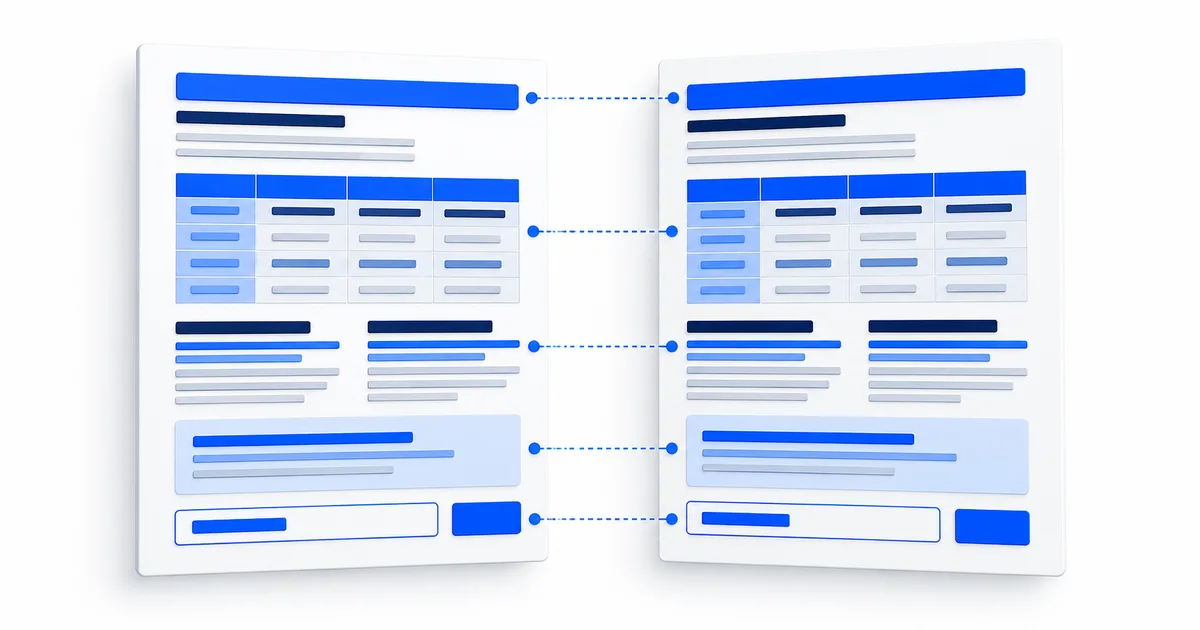
Map the document before extracting its words
Documents use position to express relationships. A number may belong to the row above it, a checkbox to the label on its left, or a footnote to one marked cell. Before OCR, inventory the page count, headings, columns, tables, form fields, captions, page numbers, repeated headers, and handwritten additions. Give each region a stable name such as page 2, table A, row 4, so extracted text can be traced back to its source.
Structure that must survive document translation| Document feature | Relationship to preserve | Verification method |
|---|
| Table | Each value with its row label, column heading, unit, and footnote | Rebuild a small source-language grid before translating cells. |
| Form | Printed label, entry, checkbox, instruction, and signature area | Separate blank structure from personal or handwritten values. |
| Multi-page file | Page order, repeated headings, section continuation, and missing pages | Use a page inventory and compare first and last lines across page breaks. |
| Brochure or designed page | Caption, image, callout, reading path, and emphasis | Map regions first, then inspect the final design at every output size. |
Keep three records for structured work
The first record is the original page or approved working copy. The second is a source-language reconstruction that preserves rows, fields, and region names. The third is the translation. Do not translate directly into an empty grid without keeping the verified source grid, because a misplaced value can look perfectly formatted while belonging to the wrong heading.
For multi-page work, maintain a simple control record containing the expected page count, file name, page identifier, first visible heading, last visible line, and extraction status. This is especially useful when photos arrive out of order or a section continues onto the next page. The multi-page document workflow explains how to detect gaps before translation.
Visual fidelity is a separate production task
OCR and translation produce text. Recreating a page requires decisions about font support, text expansion, line wrapping, right-to-left layout, tables, captions, and output dimensions. Keep that production copy separate from the original. Test the actual translated text in the actual layout, and compare every label and value against the source reconstruction before publishing.
When the receiving organization requires a certified translation, exact form, or accessible document, confirm its rules before rebuilding the page. A visually similar copy does not by itself meet an official requirement.