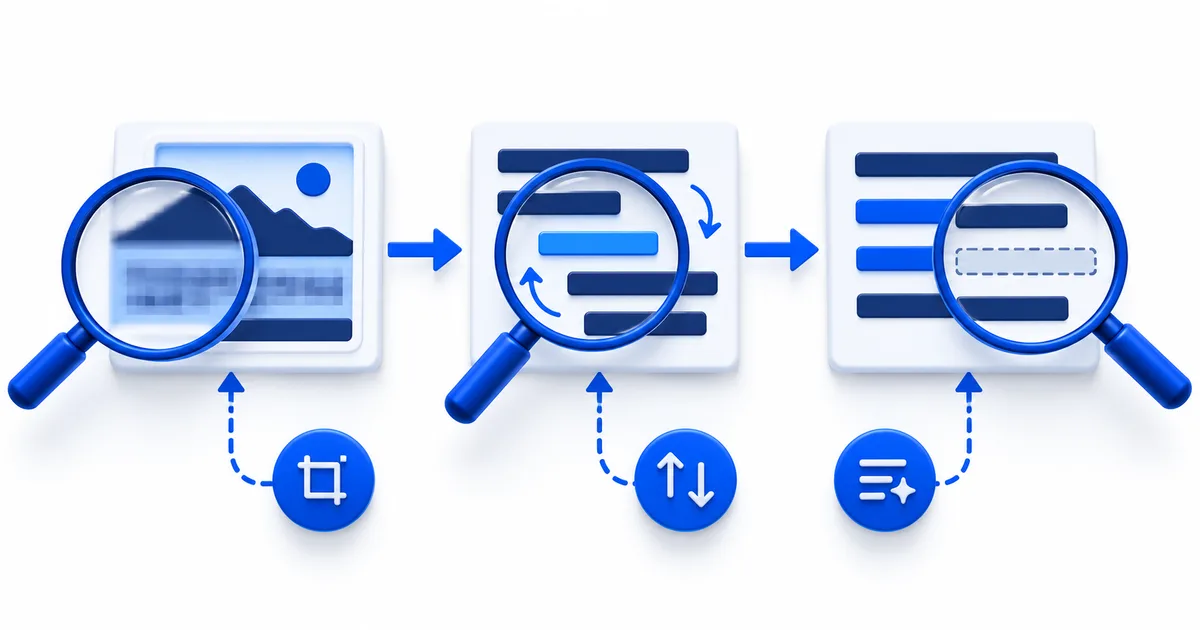
Find the first stage that failed
Do not diagnose a translation by reading only the final sentence. Compare the original image, prepared image, OCR text, and translated text in that order. The first record that differs from the evidence identifies the stage to fix. A wrong digit already present in OCR is not a translation error. Correct words in the wrong sequence point to layout segmentation. Accurate source text with the wrong meaning points to translation or missing context.
Image translation symptom and isolation tests| Symptom | First isolation test | What the result tells you |
|---|
| No text returned | Submit one upright, tightly cropped, high-contrast line from a supported image. | A successful control points to the original image size, orientation, format, or layout. |
| Missing or substituted characters | Compare the smallest failed character at full image size and in a new close capture. | Improvement after recapture points to lost visual detail rather than language choice. |
| Correct words in the wrong order | Extract each column, bubble, or rotated region separately. | Correct regional results show that page segmentation, not word recognition, failed. |
| Fluent translation with wrong facts | Audit digits, names, units, symbols, and negative words in the OCR text. | A mismatch reveals whether the factual error entered before translation. |
| Correct text but clipped layout | Place the actual translation into a flexible copy of the design. | Overflow confirms a production constraint rather than a recognition problem. |
Run one controlled test at a time
Keep the original file unchanged. Create a new test crop containing one clear line and note exactly what changed, such as orientation, crop, lighting, or file source. Compare the OCR outputs character by character. Changing several variables at once may produce a better result without showing which change solved the problem.
Use a known clear sample to distinguish an input problem from a temporary service problem. If the clear sample also fails, keep the source files and try again later rather than repeatedly editing the difficult document. If only the difficult page fails, follow the empty OCR diagnostic or the reading-order repair method that matches the observed symptom.
Stop when the source cannot support an answer
Mark a field unreadable when independent captures do not reveal its strokes, the original is unavailable, or processing creates several equally plausible characters. Do not choose the version that produces the smoothest sentence. Request a better source, consult a person who can inspect the original object, or obtain an authoritative copy. A visible uncertainty is safer and more useful than a confident guess.