
AI Image Translator for Photos and Image Text
Upload a JPG, PNG, or WebP image, extract its visible text with OCR, and translate the result while keeping the source available for review.
Translate your image
Choose a photo, set the output language, and correct any OCR mistakes before re-translating the text.
Free to use. No account required.
Translation
Correct OCR mistakes in the source panel before translating again.
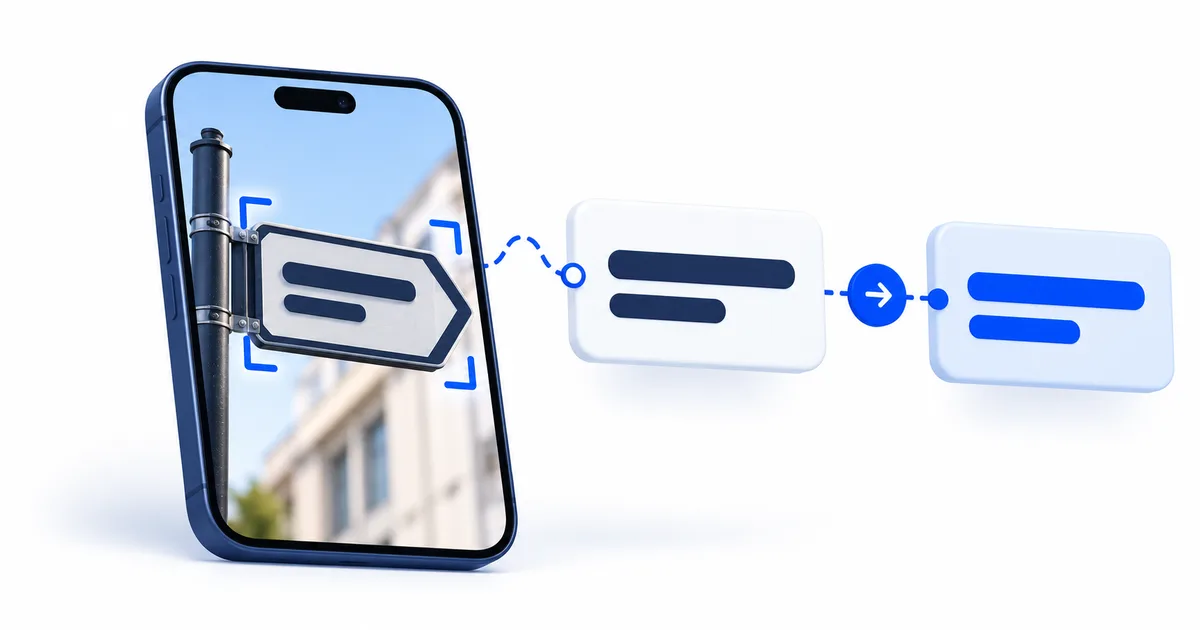
How the AI image translator works
The app prepares the image, extracts the visible source text, translates the reviewed text into the selected language, and displays both versions for comparison.
| Stage | Output | What to verify |
|---|---|---|
| Image preparation | An orientation-corrected JPEG fitted within 3000 by 3000 pixels | Small characters remain readable after rotation and resizing. |
| Text recognition | Extracted source text | Characters, names, numbers, line breaks, and reading order match the image. |
| Text translation | Text in the selected target language | Meaning, warnings, quantities, and ambiguity remain faithful to the verified source. |
| User review | A result compared with both the image and OCR text | Any high-impact field receives the required human review. |
The complete image translation methodology documents the processing controls and known limits.
Check before you use the result
Verify factual fields and reading order first because a fluent translation can preserve an OCR mistake.
- Compare names, prices, dates, quantities, and units with the original image.
- Look for missed lines when the source has columns, chat bubbles, or vertical text.
- Keep ambiguous wording ambiguous until context or a human reviewer resolves it.
- Do not upload secrets, identity records, or confidential documents unless your policies permit it.
When one character could change the result, use the OCR confidence review method before copying the translation.
Supported image types
JPG, PNG, WebP, BMP, and TIFF files are accepted up to 12 MB. Images are rotated from their orientation metadata, limited to 40 megapixels, fitted within 3000 by 3000 pixels, and converted to a clean JPEG for OCR.
Languages and writing systems
The target-language menu controls the translated output language. OCR source recognition happens first and can still fail on unclear, vertical, handwritten, or mixed-script text. Check the full list of supported image translation languages and use the related script workflow when the page mixes directions.